file_00 · me_launcher.exe
ME Launcher
The free Windows app for playing Muggo Entertainment games and apps.
Windows may show a SmartScreen warning because the launcher is new. Click More info, then Run anyway.
file_01 · library.dir
What is in the library?
// 01
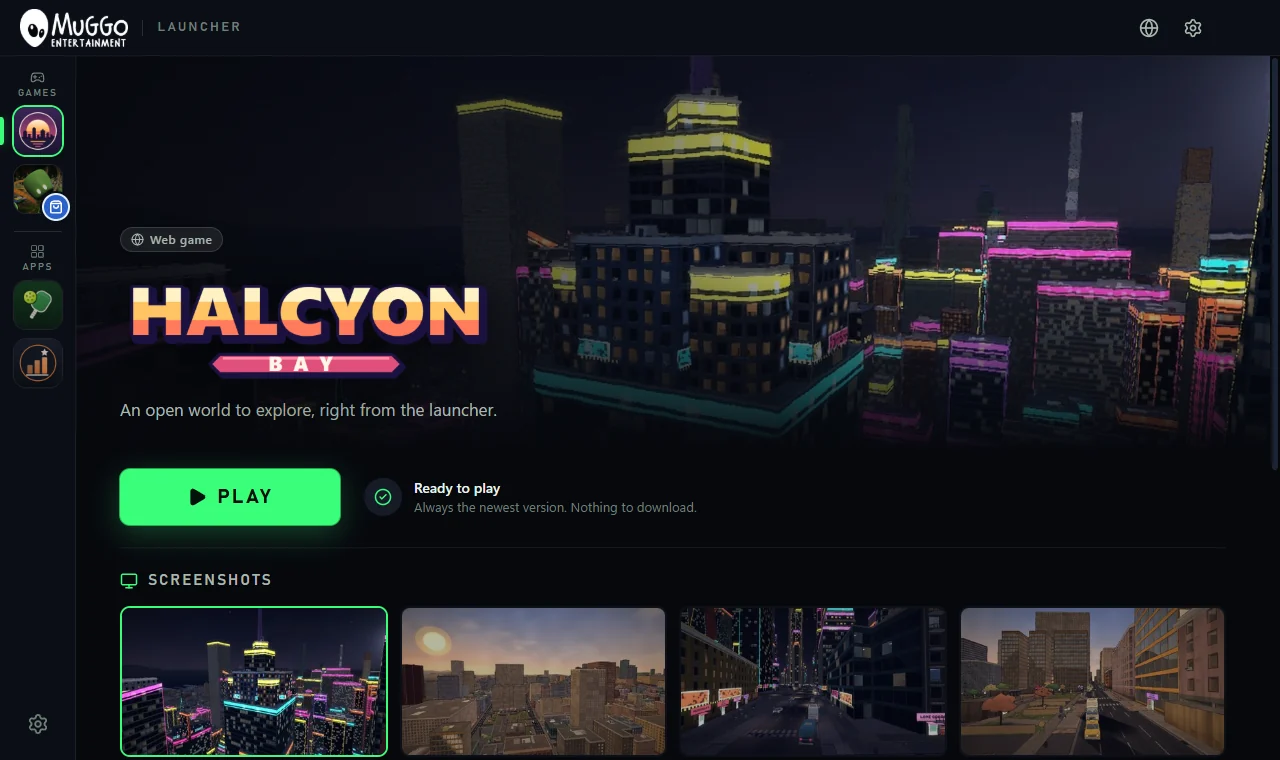
Halcyon Bay
A stylized open world to explore. Play it in ME Launcher.
Game
Live
→
// 02
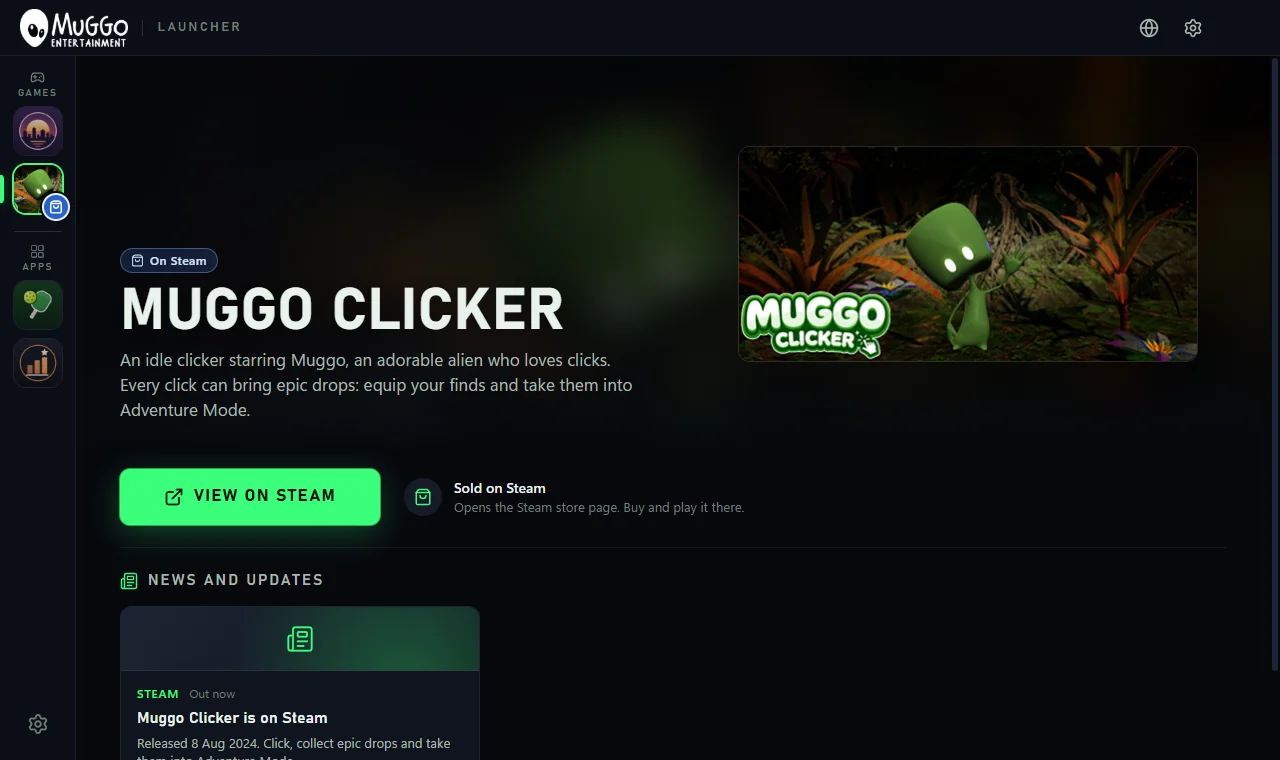
Muggo Clicker
The idle clicker starring Muggo. Opens on Steam from the launcher.
GameSteam
Live
→
// 03
Pickle ME
A pickleball score and stats tracker.
App
Live
→
// 04
ME Stats
A stats app for player stats across the NBA, NFL, PPA, MLB and other sports around the world. Website coming.
App
Coming soon
file_02 · screens.dir
A look inside
file_03 · install.txt
How to install
- Download MELauncher-win-Setup.exe.
- Run it. Windows may show a SmartScreen warning because the launcher is new. Click More info, then Run anyway.
- Open ME Launcher and press Play on a game.
Is ME Launcher free?
Yes. ME Launcher is free to download and use.
Which versions of Windows does it run on?
Windows 10 and Windows 11.
Can I still play Halcyon Bay in a browser?
No. Halcyon Bay is in the library. Opening the old web address shows a page that points you to the launcher download.